The higher the altitude, the weaker the gravitational pull, the thinner the air, and the lower the boiling point of water. Local users may encounter many unexpected problems when using autoclaves. Equipment that operates smoothly at low altitudes may behave differently at higher elevations. How should the altitude parameter be set?
一: FD series
While in standby mode, press and hold the MODE and STOP keys simultaneously, enter the administrator password, then press the MODE key to confirm and access the administrator setting menu. Use the up/down arrow keys to select parameter P009, adjust the altitude value with the up/down keys, and press the MODE key to save the setting.
Operation shortcut flow: MODE + STOP → Enter administrator password → NEXT → Select P009 via up/down keys → Modify altitude value via up/down keys → Save with the MODE key
二:GR series operation steps (English manual version)
1.In standby mode, press and hold the FUNC and DATA keys at the same time, then enter the administrator password.
2.Press the SET/ENT key to confirm and enter the administrator setting menu.
3.Press the NEXT key to select parameter P010.
4.Use the UP or DOWN key to adjust the altitude value.
5.Press the SET/ENT key to save the parameter, completing the setting.
Operation flowchart: FUNC+DATA → Enter administrator password → Press SET/ENT → Select P010 via NEXT key → Modify altitude with UP/DOWN key → Save by pressing SET/ENT
三:GI series operation steps (Standard English manual version)
1.In standby mode, press the SET/ENT key, use the UP or DOWN key to select parameter setting option, then press SET/ENT to enter the setting interface.
2.Enter the administrator password.
3.Use the UP or DOWN key to locate the local altitude option.
4.Press SET/ENT to confirm selection, then adjust the altitude value using the UP or DOWN key.
5.Press SET/ENT to save the modified value.
6.Press the DATA key to exit the menu and return to standby interface.
Operation sequence: SET/ENT → UP or DOWN to select parameter setting → SET/ENT → Enter administrator password → UP or DOWN to find local altitude item → SET/ENT → Adjust altitude value with UP/DOWN → Save with SET/ENT → Press DATA to exit
四:GF series operation steps (Formal manual English version)
1.In standby mode, press the SET/ENT key, use the UP or DOWN key to select the parameter setting option, then press SET/ENT to enter the setting interface.
2.Enter the administrator password, and press SET/ENT to access the administrator configuration menu.
3.Use the UP or DOWN key to navigate to the local altitude setting item.
4.Press SET/ENT to confirm selection, then adjust the altitude value with the UP or DOWN key.
5.Press SET/ENT to save the modified value.
6.Press the DATA key to exit the menu and return to the standby interface.
Operation Logical Flow
SET/ENT → UP or DOWN to select parameter setting → SET/ENT → Enter administrator password → UP or DOWN to select local altitude → SET/ENT → Modify altitude value via UP/DOWN key → Save by pressing SET/ENT → Exit with DATA key
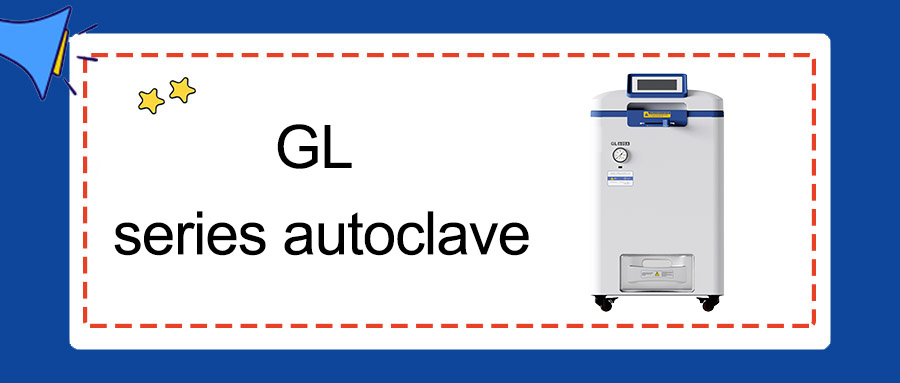
五:GL series operation steps (Official manual English version)
1.Tap settings, then select parameter setting.
2.Enter the administrator password to enter the administrator configuration menu.
3.Use the left and right selection keys to locate the Local Altitude option, then press the – or + key to adjust the value.
4.Tap Back to exit the menu and return to the standby interface.
Operation Flow
Settings → Parameter Setting → Enter administrator password → Administrator configuration menu → Select Local Altitude via left/right keys → Adjust value with – / + keys → Press Back to exit
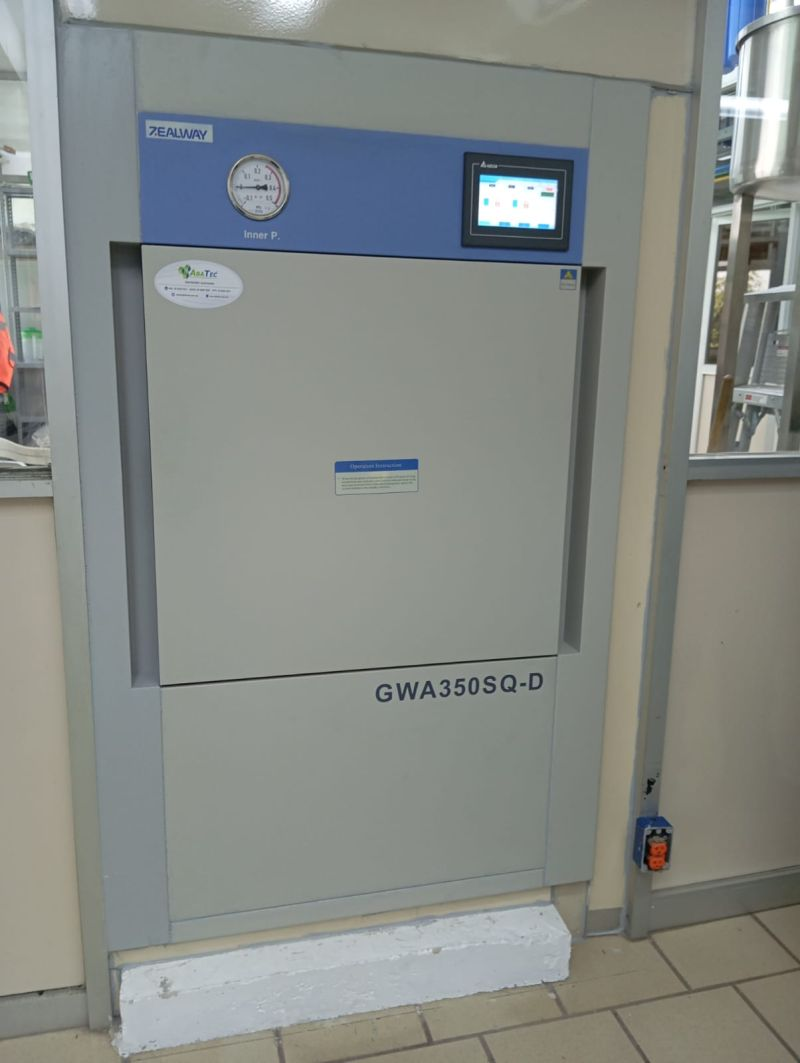
六:GWA series operation steps (Standard manual English version)
1.Tap the Administrator icon.
2.Enter the administrator password to access the administrator interface.
3.Tap System Settings.
4.Select Altitude Setting, then input the actual altitude value.
5.Tap Back to exit the menu.
Operation flow
Administrator → Enter administrator password → Administrator interface → System Settings → Altitude Setting → Input altitude value → Press Back to exit




























ZEALWAY provides quality autoclaves, full services and professional sterilization solutions for you.

Leave a Reply