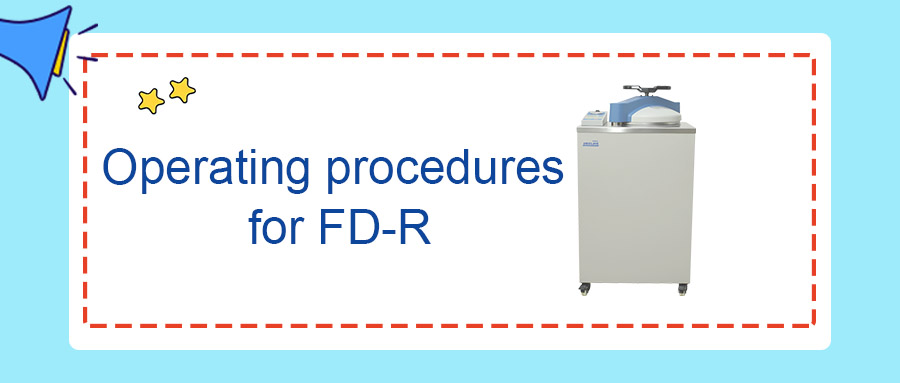
Step 1: Flip up the power switch on the left side of the instrument to power on the unit.
Step 2: Check the water level of the waste liquid bucket. Empty the bucket if the water level exceeds the HIGH mark.
Step 3: Rotate the handle counter clockwise to open the chamber lid, then gently push the handle rightward to swing the lid aside.
Step 4: Check the water level inside the chamber via the water level sight hole in the middle of the water level plate. If no water is visible in the sight hole, proceed to Step 5 for water addition. If water is sufficient, skip Step 5 and go to Step 6.
Step 5: Pour in sterilization water until water is visible in the sight hole. Ensure the water level does not go above the water level plate.
Step 6: Place items to be sterilized inside the basket. Do not load items higher than the basket height. Insert the basket into the chamber; contents shall not extend above the container opening.
Step 7: Gently push the handle leftward until the crossbeam presses firmly against the upright column. Rotate the handle clockwise. When the lid closed indicator “LOCKED” lights up, keep rotating until the handle is fully tightened. If the “LOCKED” indicator goes out during rotation, continue turning until the handle is tight and the indicator illuminates again. (If the handle is tight but the indicator does not light up, slightly rotate the handle backward to trigger the indicator.)
Step 8: Select the sterilization program. Press the MODE key to switch modes. Program setting: Adjust sterilization temperature using the up/down temperature keys; adjust sterilization time using the up/down time keys; adjust drying time using the up/down drying time keys.
Step 9: Press and hold the START key to start the instrument.
Step 10: After sterilization completes, wear heat resistant gloves. (Before opening the lid, confirm the pressure gauge reads zero and check the lid opening temperature reading.)
Step 11: Open the lid, wait briefly, then take out sterilized items. (Caution: Risk of scalding when retrieving items!)
Step 12: Turn off the power switch on the left side of the instrument.













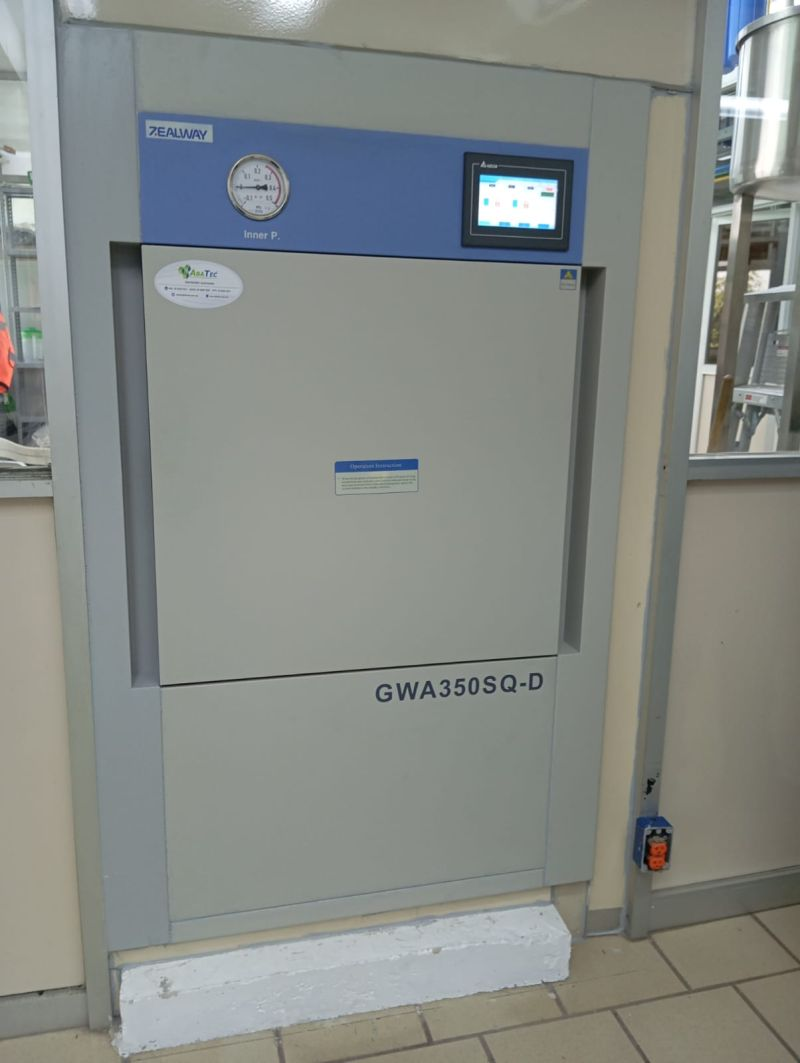
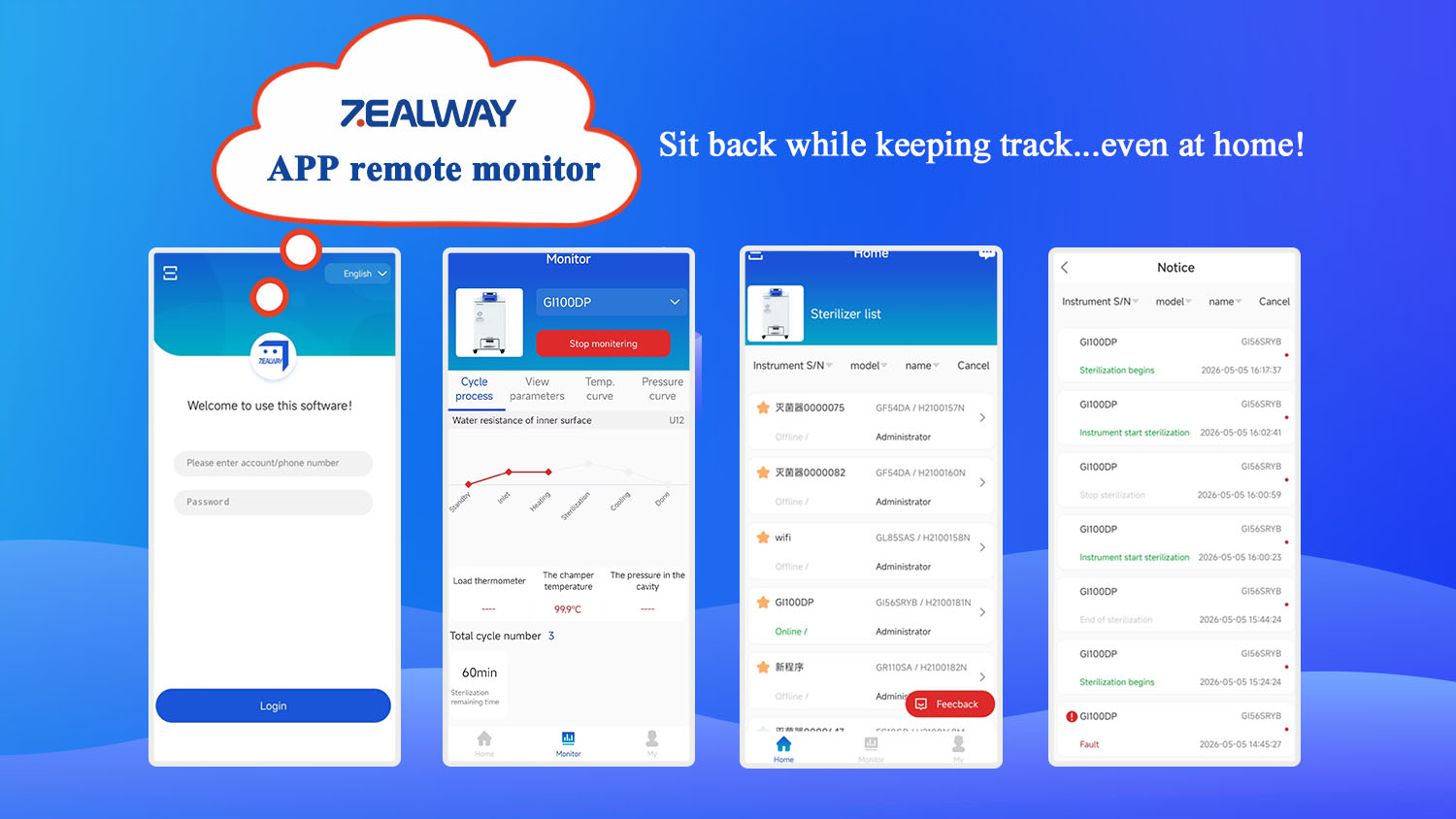





















ZEALWAY provides quality autoclaves, full services and professional sterilization solutions for you.

Leave a Reply