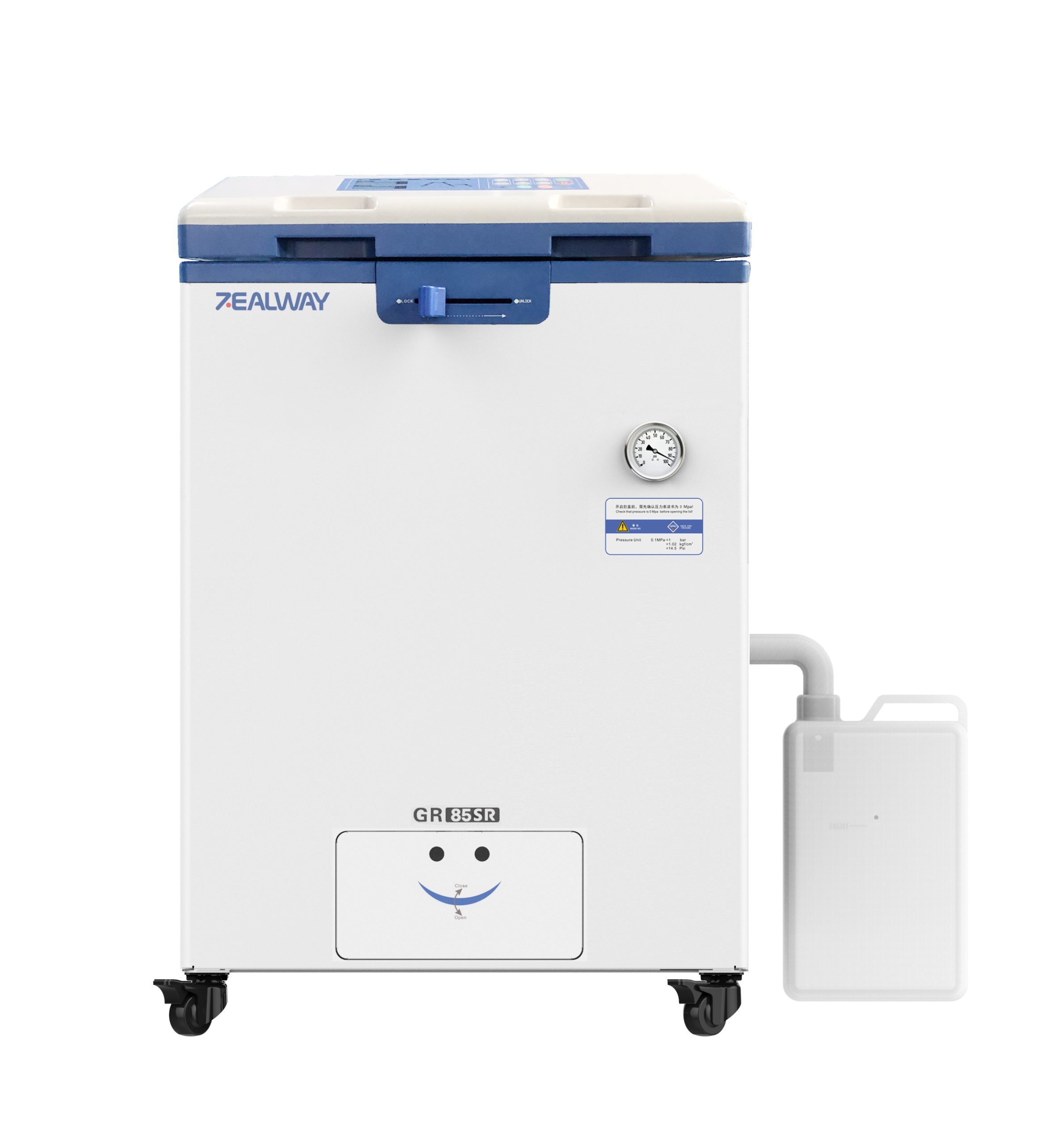
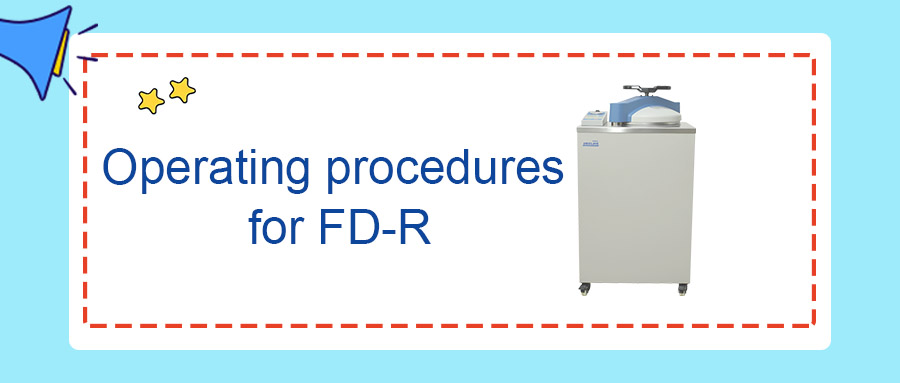
Step 1: Toggle up the power switch on the left side of the instrument to power it on.
Step 2: Check the liquid level of the waste liquid tank. Empty it if the liquid level exceeds the HIGH mark.
Step 3: Check the water level of the pre-water tank; ensure it is below the HIGH mark. Empty the tank if the water reaches half the distance to the HIGH level. Failure to drain condensate in time will cause overflow from the tank orifice.
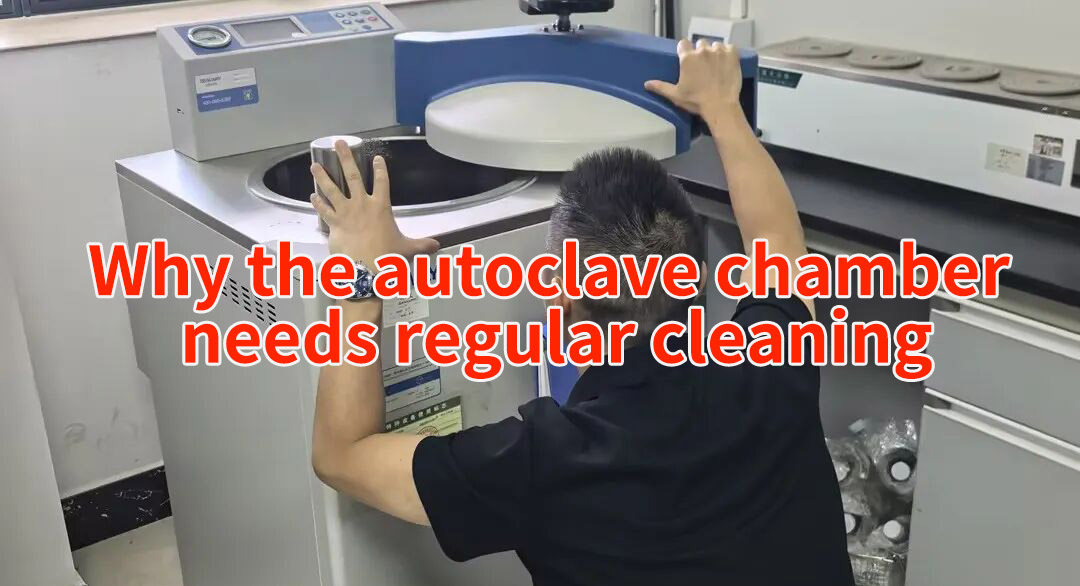
Step 4: Hold the lid down with one hand, pull the handle all the way to the right with the other hand to open the lid.
Step 5: Before sterilization, confirm that the internal water tank is fully filled. If water filling is required, place the silicone water inlet tube into the water source. If both the internal water tank and chamber are empty, the screen will prompt “n08” upon startup. Press the “ADD WATER” button at the bottom right corner to auto-fill the internal water tank, and the digital display B will show ADD2.
Short press the “STOP” button to pause water filling; short press “STOP” again to resume filling.
Long press the “STOP” button to terminate water filling.
Step 6: Place the items to be sterilized into the basket. Do not stack them above the basket height, and ensure the load does not exceed the chamber opening after placing the basket inside the chamber.
Step 7: Hold the lid down with one hand, push the handle all the way to the left with the other hand to close the lid.
Step 8: Select the sterilization program
1.Program setup: Select the sterilization mode under standby status.
2.Press the SET key to enter the sterilization program. The TEMP display flashes; press UP or DOWN to adjust the sterilization temperature.
3.Press the NEXT key to set sterilization time. The TIMER display flashes; press UP or DOWN to adjust the sterilization duration.
4.Press NEXT to proceed. The TIMER display shows EHT (Exhaust Level), and the TEMP display shows 4 (range: 0–5). Press UP or DOWN to adjust the exhaust level.
Note: Exhaust level ranges from 0 to 5. Level 0 = no exhaust; Level 5 = full exhaust. Higher levels correspond to larger exhaust volume. For liquid sterilization, Level 0 or 1 is recommended.
1.Press NEXT again. The TEMP display shows DELY (Extended Cold Air Purge Time), and the TIMER display shows 0 (range: 0–10 min). Press UP or DOWN to adjust the extended cold air purge time.
2.Press NEXT again. The TEMP display shows dry (Drying Time), and the TIMER display shows 40 (range: 0–300 min). Press UP or DOWN to adjust the drying duration.
3.Press NEXT again. The TIMER display shows “OPEN”, and the TEMP display shows the lid-opening temperature (<99 ℃ for solid mode, <80 ℃ for liquid mode). Press UP or DOWN to adjust the lid-opening temperature.
4.Press NEXT again. The TIMER display shows “dry”, and the TEMP display shows the drying system setpoint at 124 ℃ (range: 80–160 ℃). Press UP or DOWN to adjust the drying system temperature.
5.Press the SET key to save the program and exit the setup page.
Step 9: Long press START to run the instrument.
Step 10: After sterilization completes, wear heat-resistant gloves. Verify that the pressure gauge returns to zero and the lid-opening temperature condition is met before opening the lid.
Step 11: Hold the lid down with one hand, pull the handle all the way to the right with the other hand to open the lid. (Caution: Risk of scalding!) Step 12: After opening the lid, wait for a moment then take out the sterilized load. (Caution: Risk of scalding during removal!)
Step 13: Toggle down the power switch on the left side of the instrument to power off.





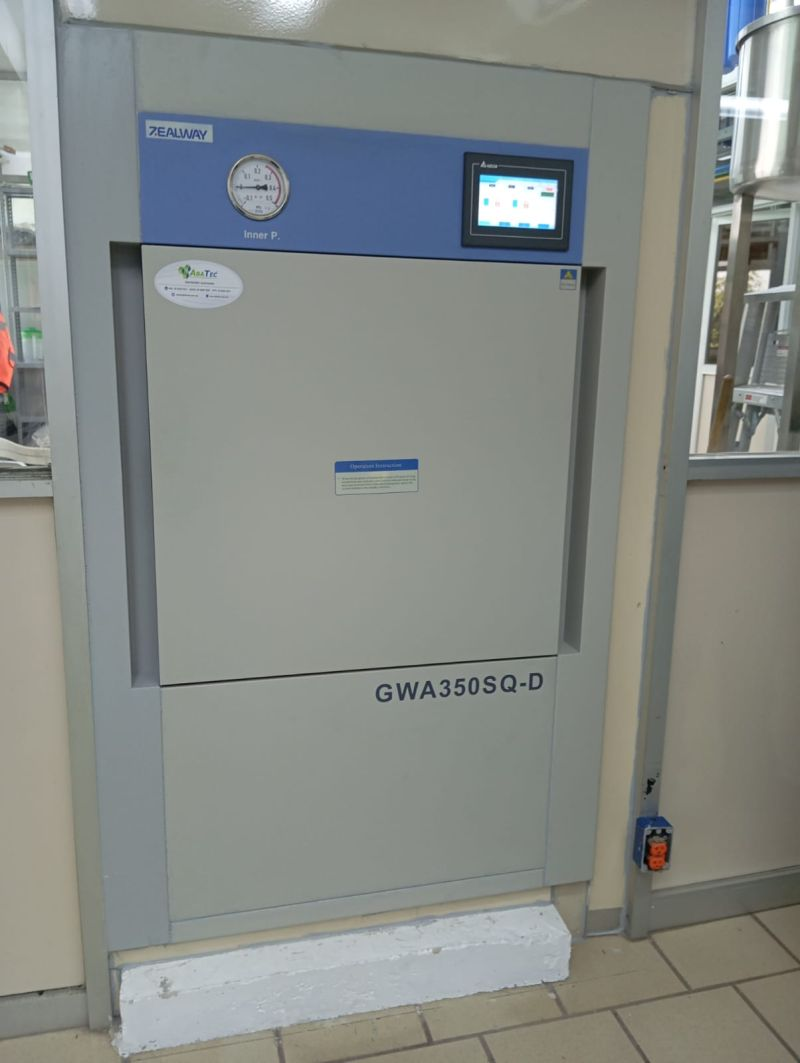
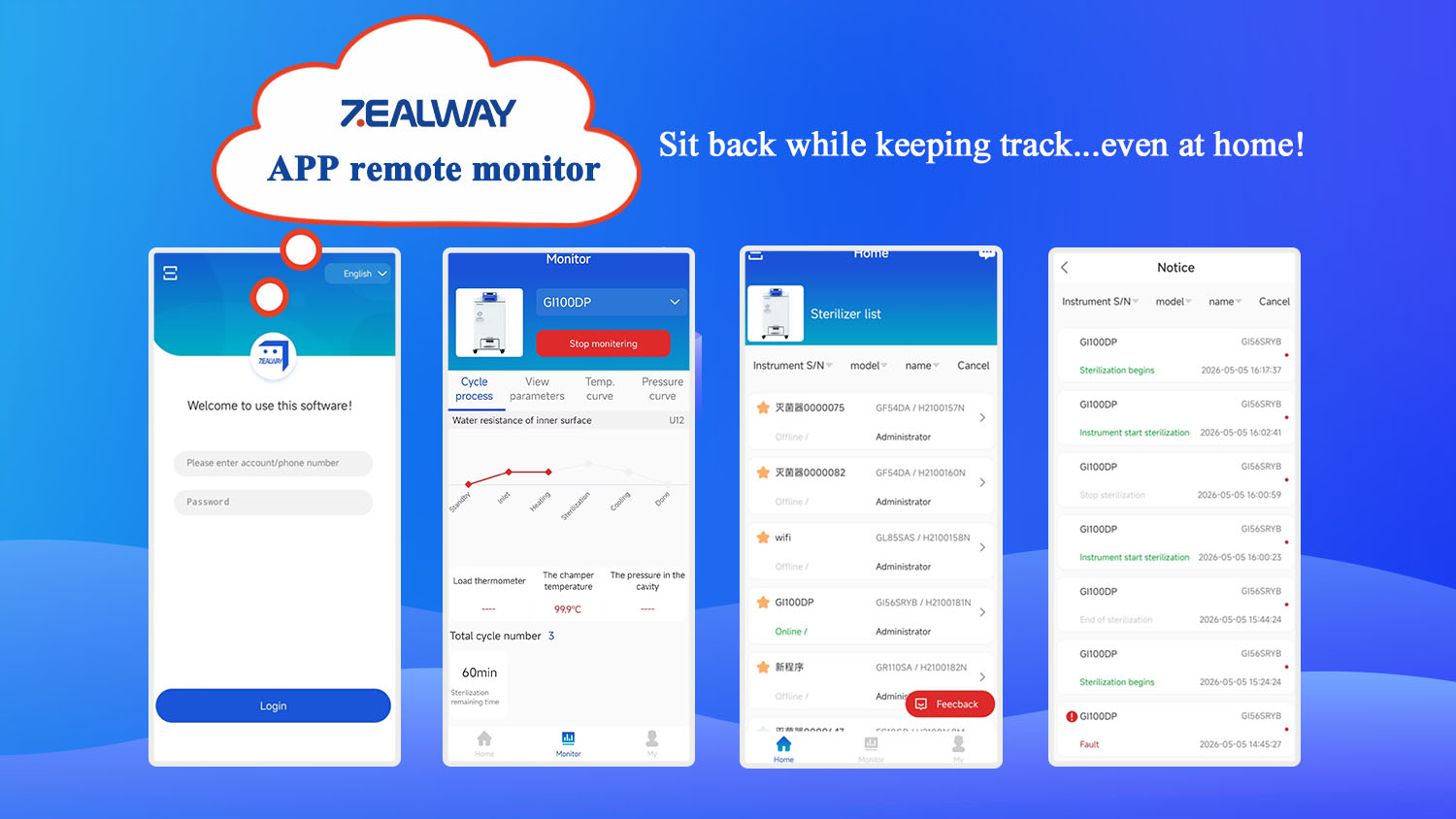











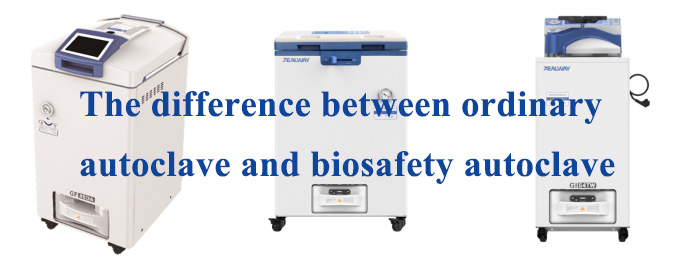


ZEALWAY provides quality autoclaves, full services and professional sterilization solutions for you.

 English English
  简体中文
简体中文
 Français
 Español
 Русский
 العربية
Leave a Reply